
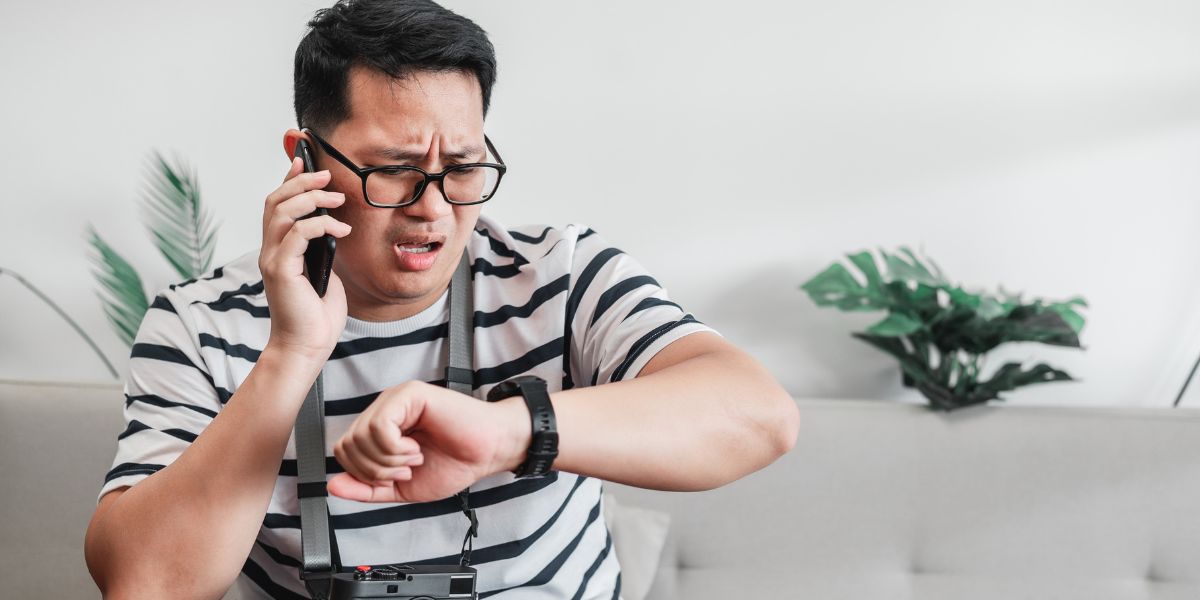
Smartwatches have become essential devices for many people in Hove, helping them track fitness goals, manage notifications, and stay connected on the go. Nevertheless, even the most reliable devices occasionally encounter issues. If your smartwatch is malfunctioning, there’s no need to stress; many issues have simple solutions you can try at home before reaching out for expert assistance.
This guide covers the most frequent challenges users face and provides practical steps to resolve them.
Why It Drains Quickly and How to Fix It
One of the most reported concerns is smartwatch battery issues, where the device seems to lose power faster than expected. Several factors contribute to this, including background processes, display settings, and enabled features.
To address rapid drainage:
- To help conserve battery life on your device, consider lowering the screen brightness, as a brighter display consumes more power than necessary.
- If your model offers an always-on display mode, it’s advisable to disable it to extend battery life further.
- Turning off features such as continuous heart rate monitoring or GPS when they are not being utilised can significantly reduce power consumption.
- Limit notifications to only essential apps, as frequent alerts can drain the battery more quickly.
- Check for software updates in your companion app, as manufacturers often release updates that improve power management.
If these adjustments don’t resolve the issue and your smartwatch battery continues to drain quickly, it may be due to natural wear over time. In such cases, consider professional smartwatch battery repair in Hove. The experts at Fone World Hove can thoroughly assess your device and provide high-quality battery replacements to restore optimal performance.
Unresponsive or Glitchy Displays
Smartwatch screen problems, such as an unresponsive touchscreen or flickering, can disrupt daily use significantly. These issues often arise from software glitches, dirt buildup, or temporary freezes.
Start with basic troubleshooting:
- To restart the device, simply press and hold the power button until the screen goes black and the device reboots.
- This action can often resolve minor glitches and improve overall performance. While you’re at it, gently clean the screen and sensors with a soft, lint-free cloth.
- This will help remove dust, fingerprints, and residue that may affect usability.
- It’s also essential to ensure that your hands are dry and free of lotions, as any moisture can interfere with accurate touch detection and overall functionality.
For persistent unresponsiveness:
- First, check if the water lock mode is accidentally activated on your device. If so, please disable this feature to restore normal functionality.
- Additionally, ensure the device’s firmware is up to date using the appropriate paired phone application for optimal performance.
In some instances, extreme temperatures or minor impacts affect screen performance. Avoid exposing the watch to extreme cold or heat.
Pairing and Syncing Troubles
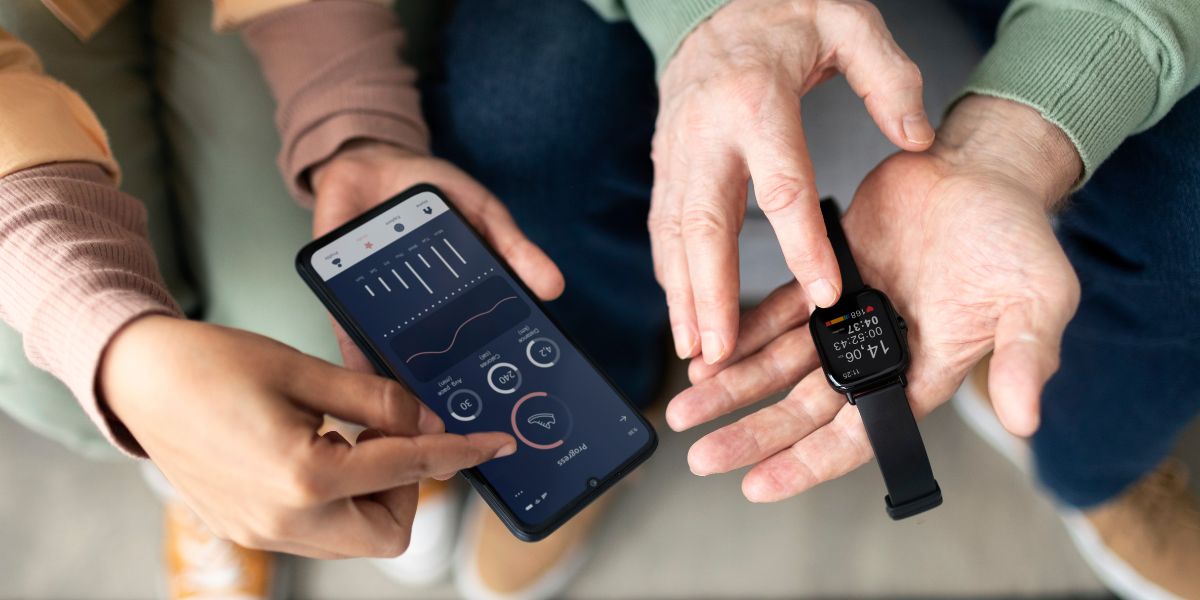
Smartwatch connectivity issues frequently occur when the device fails to pair with your phone or loses connection intermittently. This prevents notifications, calls, and data syncing from functioning correctly.
Common causes include Bluetooth interference or outdated software.
To resolve:
- To successfully connect your smartwatch to your phone, first ensure Bluetooth is enabled on both devices and that they are within close range.
- If you run into any issues, a good troubleshooting tip is to restart both the smartwatch and the phone; this can refresh their connection and often resolves minor glitches.
- After rebooting, navigate to your phone’s Bluetooth settings, locate the smartwatch in the list, and select “forget” to remove it from paired devices.
- Following this, attempt to repair it as a new connection.
- If the syncing process stalls, clearing the companion app cache may resolve lingering issues that prevent successful synchronisation between the two devices.
When using Bluetooth devices, avoid crowded Wi-Fi environments, as they can interfere with Bluetooth signals. Additionally, ensure that no other nearby devices are causing disruptions, as this can negatively impact performance and connectivity.
If issues persist despite trying these fixes, a professional diagnosis may be needed. For residents in Hove, Fone World Hove is a reliable tech repair shop. Our skilled technicians provide professional services for a wide range of smartwatch issues, ensuring your device is quickly restored to full functionality.
When Your Smartwatch Is Not Working
If your smartwatch is not working, it won’t turn on or respond erratically. Begin with these universal steps applicable to most brands, including Apple Watch, Samsung Galaxy Watch, Fitbit, and Garmin models.
- To keep your device running well, charge it fully with the original charger and ensure the contacts are clean.
- If the device is unresponsive, perform a forced restart by pressing and holding the power button (and the volume button on certain models) for 10 to 30 seconds.
- Check for software updates for bug fixes and performance improvements.
- If problems persist, consider a factory reset, but back up important data first, as this will erase all content.
- If the problem persists, professional assistance may be necessary.
These actions resolve many software-related failures.
Preventive Maintenance for Long-Term Reliability
To minimise future problems, adopt good habits:
- To ensure your device remains in optimal condition, keep it clean and dry at all times to prevent damage.
- Avoid exposing it to extreme temperatures, as this can affect performance.
- Regular updates help maintain security and functionality.
- Consider using protective cases, especially if you lead an active lifestyle.
Regular care can significantly extend your smartwatch’s lifespan.
FAQs:
1. Why is my smartwatch battery draining so quickly, and what can I do about it?
Smartwatch battery issues often stem from high screen brightness, always-on display, constant heart rate monitoring, or excessive notifications. To fix this, lower brightness, disable unnecessary features, limit notifications, and ensure your software is up to date. These simple changes can significantly extend battery life.
2. What should I do if my smartwatch screen becomes unresponsive?
Smartwatch screen issues, such as unresponsiveness, are often caused by dirt, moisture, software glitches, or accidental activation of water lock mode. Start by restarting the device, cleaning the screen with a soft cloth, disabling water lock if enabled, and checking for firmware updates. Avoid using the watch in extreme temperatures.
3. Why does my smartwatch keep losing connection to my phone?
Smartwatch connectivity issues typically stem from Bluetooth interference, limited signal range, or outdated software. Try restarting both devices, repairing via Bluetooth settings, clearing the companion app cache, and keeping the devices close together. Crowded Wi-Fi areas can also interfere with the connection.
Final Thoughts
Smartwatches offer significant convenience, but occasional glitches are common with any technology. By understanding common issues such as battery drain, screen faults, connectivity problems, or general malfunctions, and applying these easy fixes, you can often restore your device without hassle. Most issues stem from simple causes that home troubleshooting addresses effectively. With proper maintenance, your smartwatch should serve you reliably for years.